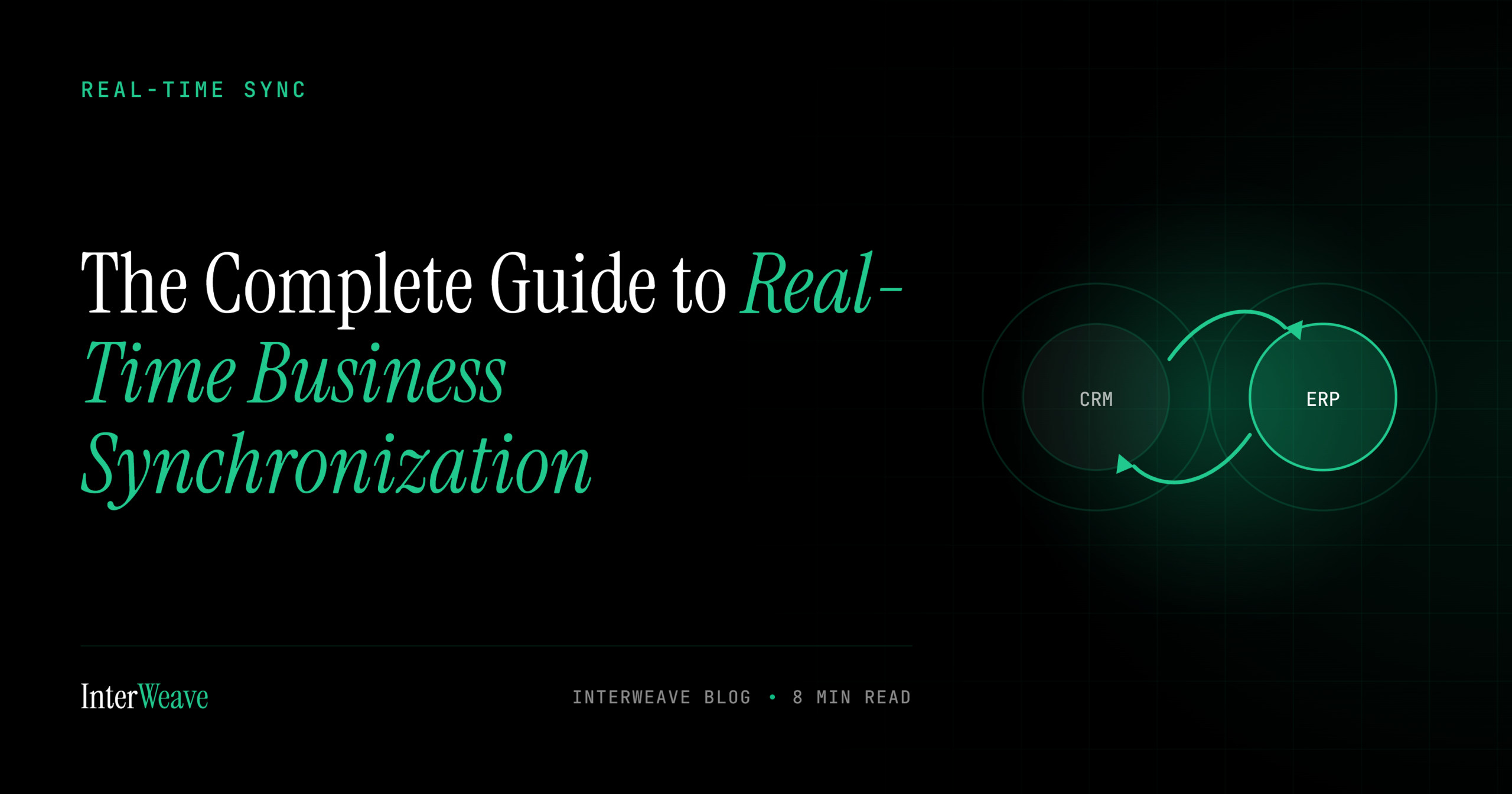

“Our systems are integrated” can mean two very different things. In one company, a payment posts and the CRM knows within two seconds. In another, the same payment shows up tomorrow morning — after the nightly batch runs, assuming it doesn’t fail. Both companies call it integration. Only one of them can act on it. This guide explains the mechanics that separate the two — polling versus event-driven architecture, webhooks, APIs, and latency — in plain business English, and shows why the difference lands directly on your bottom line.
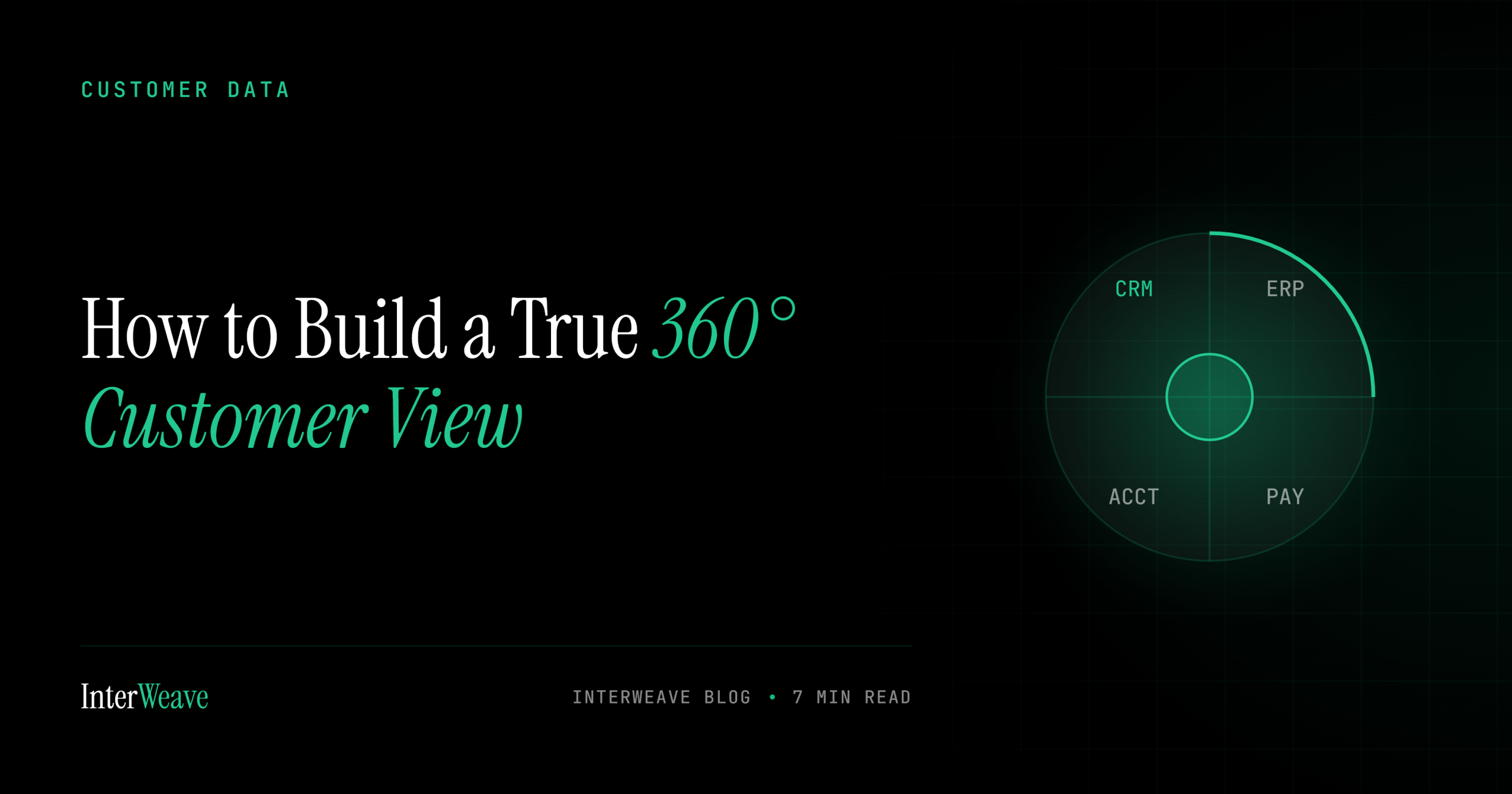
Every CRM vendor sells a “360° customer view.” Almost none of them deliver one — because the most important 180 degrees of that circle doesn’t live in the CRM. It lives in your ERP, your accounting system, and your payment gateway: what the customer bought, what they owe, how they pay, and whether their last three charges went through.
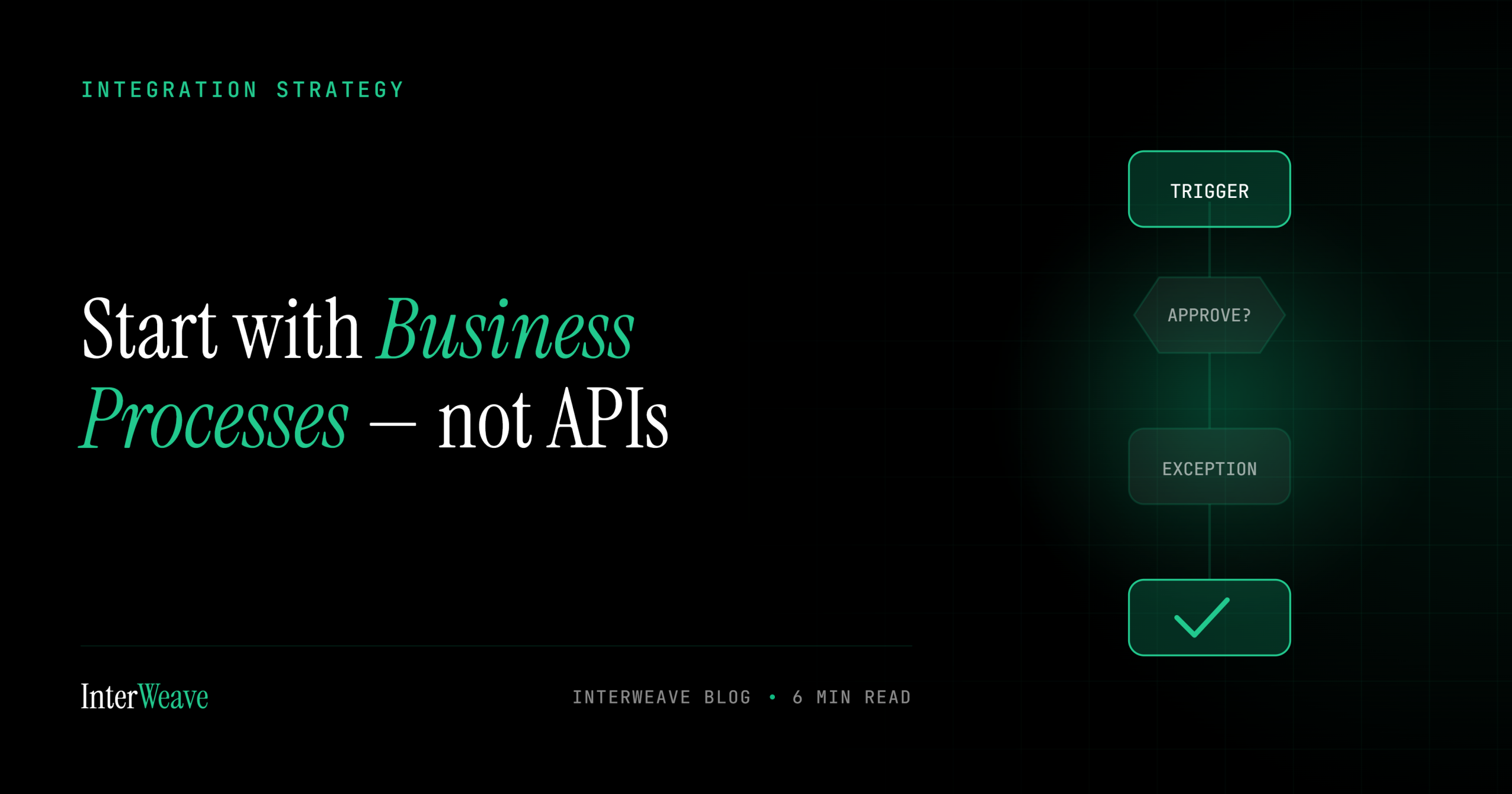
Here’s how most integration projects begin: someone opens two API documentation sites side by side and starts mapping fields. Account maps to Customer. Opportunity maps to Sales Order. Six weeks later the data flows perfectly — and the business is somehow no better off. The invoices still go out late. The handoffs still stall. The process didn’t change; it just got faster plumbing.
Integration is easy to approve as an idea and hard to approve as a line item — because vendors sell it in abstractions (“efficiency,” “visibility”) while CFOs sign checks for numbers. This guide translates integration into the five numbers it actually moves, with the formula for each. Fill in your own inputs and the business case writes itself.
Automation programs fail when they start with tools and go hunting for uses. They succeed when they start with a list — the specific, named processes where a human is currently moving data between systems by hand. Here are the twenty-five that show up at nearly every mid-market company, organized by the cycle they belong to.
An integration is, by definition, a bridge across your security perimeter. It holds credentials to your CRM, your accounting system, and your payment gateway simultaneously — and it moves your most sensitive data between them all day long. That makes the integration layer either the best-governed part of your stack or the softest target in it. There is no middle setting.
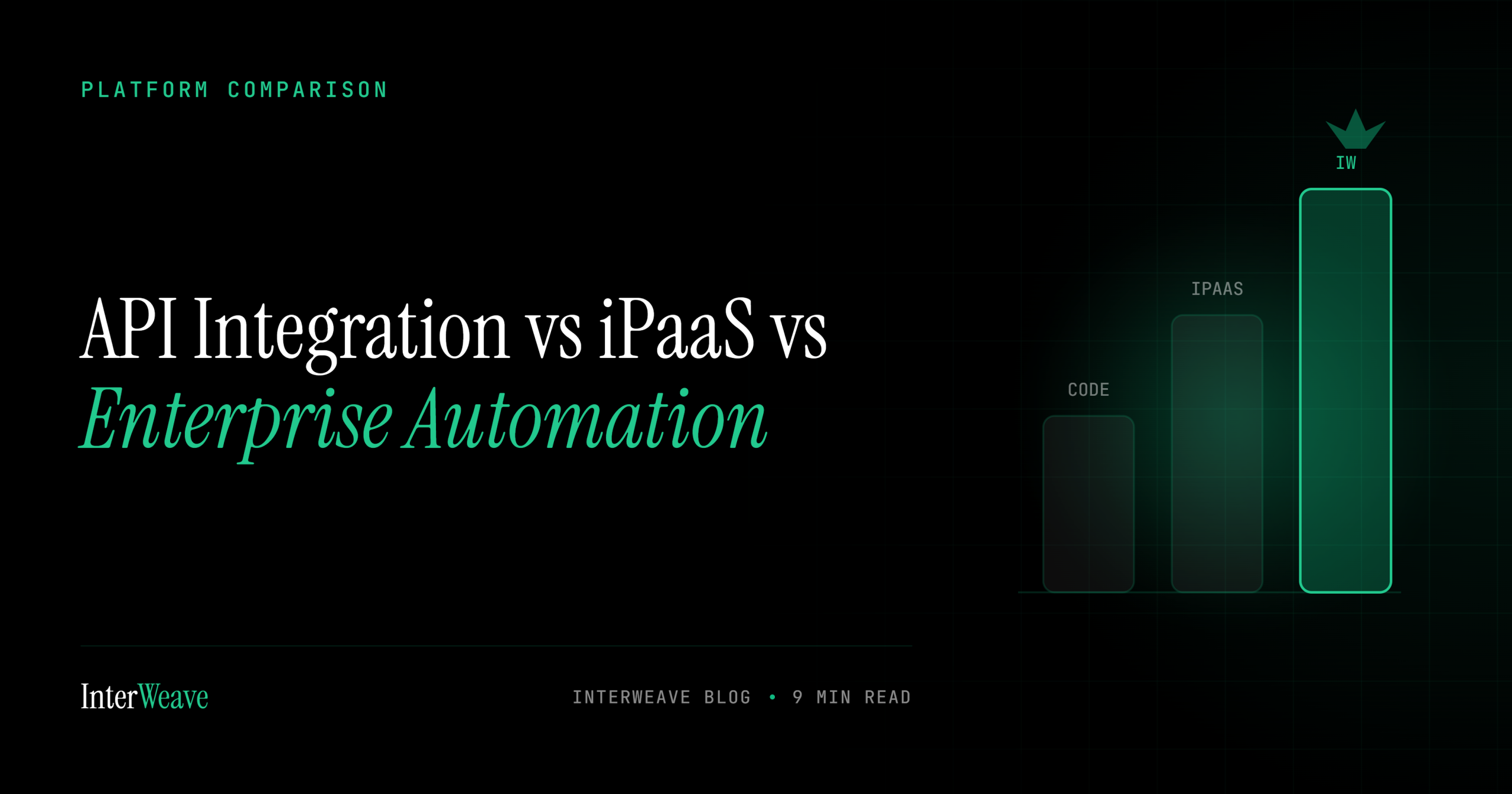
“We need to connect our systems” has at least three very different answers, at three very different price points, with three very different failure modes. Custom API integration, self-service iPaaS, and enterprise automation platforms all move data — but they’re built for different problems, and buying the wrong tier costs more than money.
CRM integration usually gets pitched to sales leadership. That’s a mistake. The executive with the most to gain from connecting the CRM to the accounting system is the CFO — because the gap between those two systems is where forecasts go wrong, cash gets stuck, the close drags, and audit questions turn into archaeology. Here’s what integration changes across the five things the office of the CFO owns.
A decade ago, subscription billing meant charging the same card the same amount on the same day each month. Today the average recurring-revenue business runs mixed models — subscriptions plus usage plus one-time orders — across multiple payment methods, with customers who expect to upgrade mid-cycle and be prorated to the penny. The billing run stopped being a calendar event and became a system. Here’s what that system has to do now — and why most of it is integration work, not billing software.
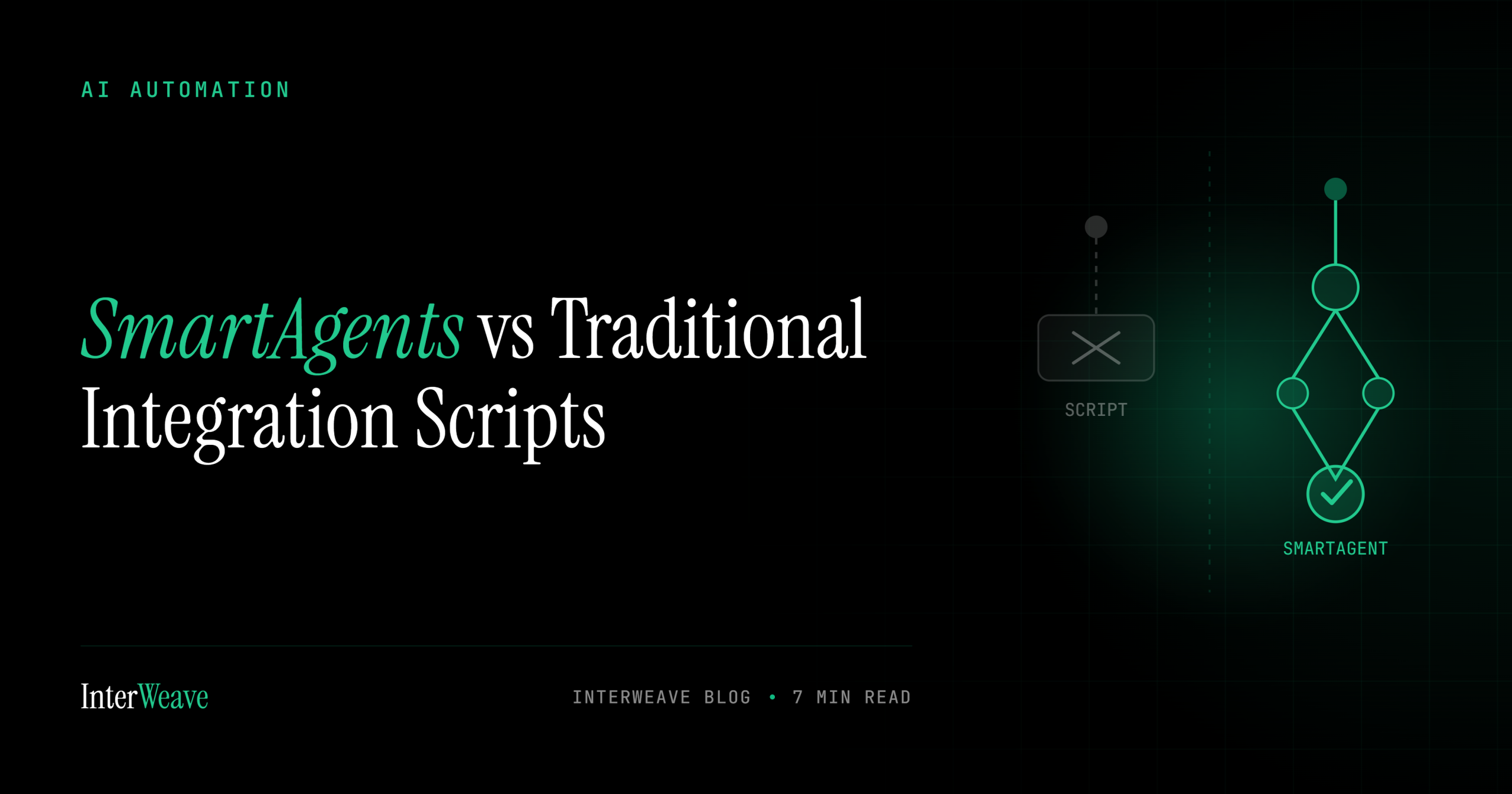
For twenty years, the workhorse of business integration has been the scheduled script: every fifteen minutes, wake up, pull new records, map fields, push, sleep. It’s a fine design — for the rows that match. The business, unfortunately, happens in the rows that don’t. AI agents represent a different contract with the work. A script executes instructions; an agent pursues an outcome. The difference sounds philosophical until you watch both handle the same Tuesday.


